
ADVERTISEMENT
One resume builder offers 7,597 templates and more than 100 examples, including options for students and college graduates. That range shows there is no single right layout. The best resume format for no experience makes your education, skills, and early experience easy to find.
A clear entry-level resume can include class projects, volunteer work, and part-time jobs, not only paid roles. Start with a simple template, then adjust its sections for your background. A skills-based resume can highlight your strengths when your work history is short.
Key Takeaways
- Choose a layout that makes your strengths easy to spot.
- Include school projects, volunteer roles, and other relevant experience.
- Customize the sections to match your background.
- Keep the resume clear and focused on the job you want.
- Download your finished resume as a PDF, DOCX, or TXT file; TXT downloads from the builder are free.
Pick the right resume format for your situation
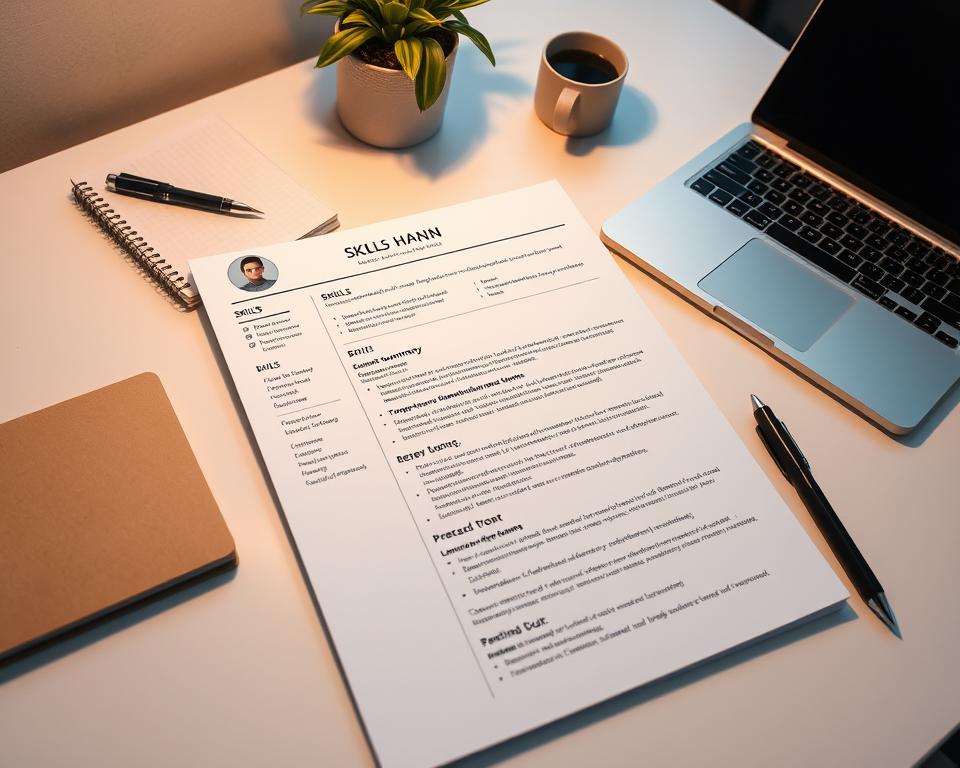
Your format should make your strengths easy to spot and your experience easy to follow. For many new job seekers, a combination format clearly shows both.
ADVERTISEMENT
Use a combination format for most entry-level resumes
A combination resume puts skills near the top, followed by work history. This format lets you feature class projects, volunteer work, or job-related skills without hiding experience. It works well when your work history is short or includes roles outside your target field.
Choose chronological format when you have relevant experience
A chronological resume lists jobs in reverse order, starting with the most recent. Choose a chronological resume format when internships, part-time jobs, or other roles relate directly to the position. A clear timeline shows how you gained useful experience.
Skip a heavily functional format that hides your background
A skills-based resume puts abilities before job titles. However, a functional resume layout may hide where and when you used those skills. Employers may need that context, so include clear work history and dates.
Follow a one-page layout that leads with your strengths
A one-page entry-level resume can show your education, skills, and relevant work. Keep details that support your job fit, and remove anything that adds no value.
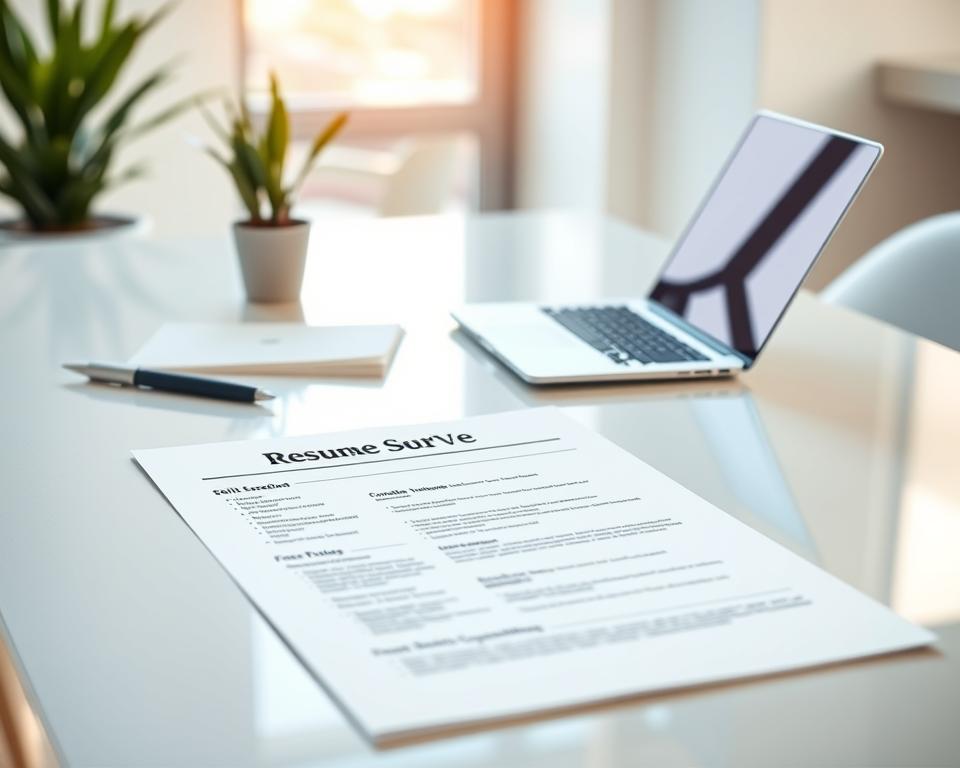
Choose a single-column resume with clear section headings. Hiring teams scan resumes quickly, so use short bullets and place your strongest details near the top.
A resume format for no experience can include projects, volunteer work, and part-time jobs. If relevant experience fills a second page, focus each role with no more than six bullets.
Build a clean header that targets the job
Keep your entry-level resume header simple and easy to scan. Make your name, phone number, and email clear. Add your city and state, not your full street address.
Include a LinkedIn URL, plus a GitHub or portfolio link if it shows work related to the role. Resume reviewer Jordan Mazer recommends these details. Use month and year for dates listed on your resume.
A targeted resume headline can show your career direction and one or two relevant skills. Keep it brief and specific. Place your resume contact information near the top so employers can reach you easily.
Write a short summary that shows your direction
Use a brief professional summary to show what you bring to the role. In three or four lines, name a relevant strength, prove it through school or work, and state your target position. Skip vague claims like “hard worker” unless a clear example supports them.
A resume headline can name your field or strongest skill. Tailor both to the job description, and use role-specific terms that match your background. An entry-level resume objective may state your goal, but a professional summary can show your value and direction at once.
| Instead of | Try |
|---|---|
| “Motivated team player seeking a job” | “Business student with customer service experience seeking an entry-level sales role” |
| “Skilled at many tasks” | “Organized student who tracked budgets for a campus club” |
Put education near the top and make it useful
If you are a student or recent graduate, place education near the top of your resume. List your degree or diploma, school, location, and graduation date. A recent graduate resume might show “May 2024” as the graduation date.
Use your entry-level resume education section to show relevant coursework, honors, or projects. Include your GPA if it is strong and helps your application. Keep these details tied to the job you want.
If you have solid work experience, move education below that section. Either way, list your academic qualifications clearly so employers can scan them fast.
Turn schoolwork and unpaid work into relevant experience
You can show useful experience before getting your first full-time job. Choose academic projects, unpaid work, and campus roles that match the position. Explain what you did and which skills you used.
Highlight class projects and independent work
Explain the goal, your role, and the result. A software project could be a fitness app, a systems program, or a tool built at a hackathon. Add a GitHub or live project link when available.
Include internships, volunteer work, and part-time jobs
List internships, volunteer experience, and paid jobs when they build skills for the role. Name the task, tool, or result that proves your abilities. For example, explain how you helped customers, organized records, or supported a team.
Describe leadership, clubs, and extracurricular activities
Campus groups can show initiative and teamwork. Include extracurricular activities when you led an event, managed a budget, trained members, or reached a clear goal. Use brief details so readers understand your contribution.
| Experience type | Details to include | What it can show |
|---|---|---|
| Class or personal project | Goal, role, tools, and result | Problem-solving and technical skills |
| Internship, volunteer role, or job | Main tasks and useful outcomes | Reliability and workplace skills |
| Club or campus activity | Leadership duties and impact | Teamwork and initiative |
Match each skill to evidence from your background
For each skill on your resume, show where you used it. A skills-based resume works best when each strength has proof from a class project, volunteer role, or part-time job. Choose transferable skills that match the job description, and remove claims you cannot support.
Use action verbs and clear results instead of saying you “helped with sales”; explain that you increased sales by 20% in six months. If you improved a process, name the change and its impact. These measurable achievements make your contribution easier to understand.
Add certifications, awards, and relevant extras selectively
Choose extras that support the job you want. Entry-level resume certifications can show training in tools or skills the role needs. Add recent courses when they fill a gap in your experience.
List relevant coursework only when it connects to the opening. Include resume awards that show a clear achievement, such as first place at the HackWashu Hackathon. Leave out details that do not help your case.
Keep each entry brief and accurate. Don’t claim skills you cannot use. Stay selective, with no more than six bullets for each job and a resume no longer than two pages.
| Extra | Include it when | What to show |
|---|---|---|
| Certification | It matches the role or a required skill | Credential name and date earned |
| Coursework | It adds useful knowledge not clear elsewhere | Relevant coursework and key subject |
| Award | It reflects a strong, specific result | Award name and achievement |
Keep the design ATS-friendly and easy to scan
A clean layout helps recruiters spot your strengths quickly. Use a single-column resume with familiar headings, such as “Education,” “Experience,” and “Skills.” An ATS-friendly resume format is easy to read on screens and paper.
An applicant tracking system may struggle with tables, text boxes, graphics, and columns. Keep key details out of headers and footers. Use Arial, Calibri, or Times New Roman in 10.5- to 12-point type.
For a U.S. resume, set the page size to 8.5 by 11 inches. Keep margins between 0.5 and 1 inch, with line spacing near 1.0. Save the file in the format requested by the employer.
| Resume detail | Simple choice | Why it helps |
|---|---|---|
| Layout | Single-column resume | Keeps sections in a clear reading order |
| Page size | U.S. Letter, 8.5 by 11 inches | Fits common U.S. hiring systems |
| Margins | 0.5 to 1 inch | Leaves enough space around the text |
| Font | Arial, Calibri, or Times New Roman | Uses familiar, legible type |
| File type | PDF, DOCX, or TXT as requested | Matches the employer’s application rules |
Tailor the resume to every entry-level opening
Read each job post closely. Note repeated skills, tools, and phrases from the employer. These resume keywords can show how your background fits the role.
Use job description tailoring to adjust your summary and skills for each application. Add terms like Microsoft Excel or customer service only if they match your real experience.
Choose entry-level resume skills you can support with a class project, job, or volunteer role. A focused resume helps employers see why you fit.
Check your resume before sending it
Read your resume aloud, check spelling errors, and ask someone you trust to review it. Resume proofreading can catch mistakes you miss after editing. Confirm your phone number and email stand out, and use the month and year for dates.
Use a resume formatting checklist to review font size, spacing, and clear section headings. Replace “Responsible for” and “Helped with” with strong resume action verbs, such as “Led,” “Built,” “Implemented,” or “Optimized.” Remove personal details, including your birth date, religion, and marital status.
Start applying with a clear, honest first resume
A strong resume format for no experience shows your education, projects, and useful skills where hiring managers can find them quickly. Keep every detail clear and true.
Use an entry-level resume template as a starting point. Adjust it for your background and the job. Resume Templates offers basic, professional, modern, creative, and ATS-friendly designs. You can download them as PDF, DOCX, or TXT files. TXT downloads are free through its builder.
Before applying, check every date, skill, and claim. You can use AI to polish your wording if you like, but never add skills or results you cannot support.
Good honest resume writing helps employers see what you can bring to the role. Save a clean copy, tailor it for each opening, and take the next step with confidence.




