
ADVERTISEMENT
Planta says its community has 10 million plant lovers, and its database contains 40 million plants. These company-reported figures show how many people use digital tools for indoor plant care.
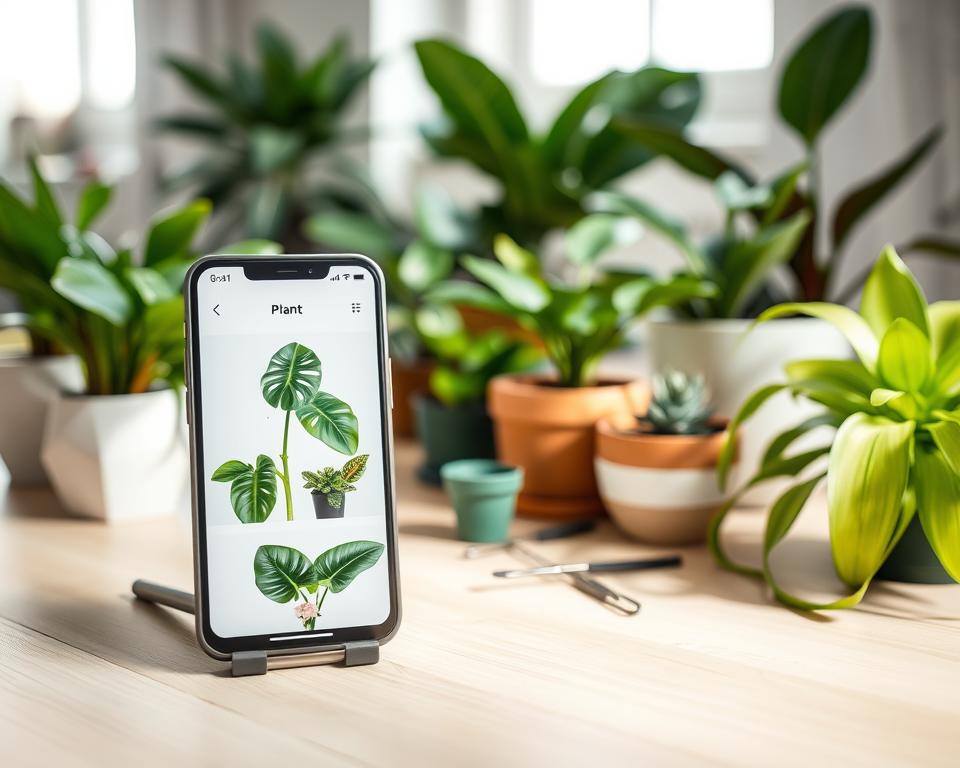
For new plant owners, the best plant care apps for beginners can make daily tasks easier. Planta offers plant identification, care schedules, reminders, step-by-step guides, a light meter, problem diagnosis, and a journal. It is free to download, with in-app purchases.
Houseplant care apps can help you build a routine, but they work best with your own checks. Use an app’s advice as a guide, then check your plant and soil before acting.
Key Takeaways
- Plant care apps can help organize indoor plant care.
- Planta includes reminders, care guides, and plant tools.
- Check your plant’s needs before following a suggested schedule.
Choose a plant care app that fits your experience and houseplant collection
New plant owners may need simple prompts, while larger collections may need detailed tracking. Begin with tasks such as naming a plant or setting a care routine.
ADVERTISEMENT
Apps with photo-based plant identification
Planta can identify plants from photos and suggest care based on each species’ needs. This makes plant identification by photo helpful when a new leaf or mystery cutting leaves you unsure what you own.
Apps built around watering reminders
Choose watering reminders that you can adjust instead of following a rigid schedule. Planta can send prompts for watering, fertilizing, repotting, pruning, and misting. Its schedules consider plant type, home conditions, and local weather.
Apps that combine care guides and plant tracking
Planta offers species-specific care guides, plant tracking, a light meter, diagnosis tools, and a journal. Free versions of plant care apps often include useful basics, while premium plans may add more features.
Identify unfamiliar houseplants before creating care plans
A plant’s name is the first step toward proper care. Use plant identification by photo for a quick match, then check it before setting reminders or choosing a care plan.
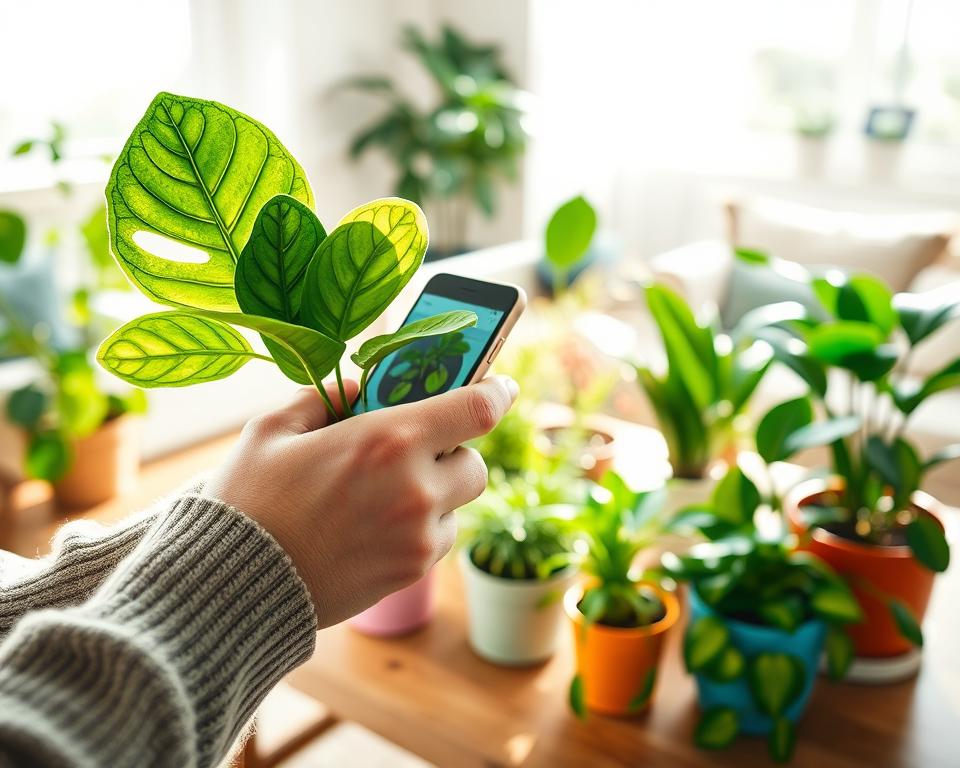
Planta can identify a plant from a photo and provide a tailored care plan. Other apps may suggest different matches, so clear photos of leaves and flowers can help. For reliable houseplant identification, compare the suggested name with visible plant features.
In one test, PictureThis identified all three flowers correctly. PlantNet matched two, while Leafsnap gave a less certain result for calendula.
Google Lens can find images that look like your plant. Use a likely match to find species-specific care guides before changing your routine.
| Tool | Test results | What to keep in mind |
|---|---|---|
| PictureThis | Identified calendula, dahlia, and feverfew correctly: 3 out of 3. | Useful for a quick match across the three test flowers. |
| PlantNet | Identified feverfew and Dahlia pinnata; did not accept the calendula photo: 2 out of 3. | A missed match may call for a clearer photo or another check. |
| Leafsnap | Identified feverfew and a specific dahlia type; suggested Asian globeflower before calendula. | Review alternate suggestions when the first result seems wrong. |
| Google Lens | Searches for visually similar images. | Use image matches as clues, not as a confirmed plant name. |
| Planta | Identifies plants from photos and provides a tailored care plan. | Confirm the plant’s identity before relying on its care advice. |
Set up accurate plant profiles for better recommendations
Start with the correct plant name. Planta lets you add plants and adjust care schedules for pot size, soil, and light. These details help plant care apps for beginners give advice suited to your home.
Choose the room where each plant lives, such as a kitchen, office, or living room. Record how much light it receives. Accurate plant profiles give the app a clearer picture of each plant’s needs.
Planta’s identification tool helped one reviewer name plants they already owned. The reviewer said its advice considered plant size, light, soil, and pot type. These details can make species-specific care guides more useful.
Check each plant’s identity before saving its care plan. One reviewer found that fixing a mistaken identification required deleting and adding the plant again. This could risk saved progress.
If an entry looks wrong, review the app’s options before changing it.
| Profile detail | What to enter | Why it matters |
|---|---|---|
| Plant type | Confirm the name or use identification tools | Helps match care advice to the plant |
| Room and light | Select its room and describe the light | Helps tailor suggestions to its location |
| Pot and soil | Note the pot size and soil type | Provides context for care schedules |
Use reminders without overwatering your plants
A plant care app can help you track routine tasks and watering reminders. A notification prompts a check; it does not prove your plant needs water. Use the schedule as a guide, then check the plant and its soil.
Adjust schedules for light, pot size, and season
Planta can schedule watering reminders and tasks like fertilizing, pruning, and repotting. Its suggestions may consider plant size, light, soil, and pot type. Still, needs can change with seasons and conditions in your home.
One reviewer in rural Virginia found plants needed less water in spring than the app suggested. The reviewer said snoozing tasks did not seem to change the schedule. Planta’s developer recommended setting a custom schedule when suggestions are often off.
Check the soil before following an app reminder
Use soil moisture monitoring before watering. Check the top layer with a finger or moisture meter, and consider whether the pot feels heavy. If the soil is still damp, snooze or skip the task, then check again later.
A care calendar works best when it reflects plant needs, not just fixed dates.
| What to check | How it can affect watering | What to do |
|---|---|---|
| Light | Brighter spots can dry soil faster. | Check the soil more often near sunny windows. |
| Pot size and type | Small pots and porous materials may dry sooner. | Adjust the schedule after checking how quickly soil dries. |
| Season | Growth and water use can change through the year. | Review reminders as seasons shift. |
| Soil condition | Damp soil may mean the plant is not ready for water. | Snooze or skip the task, then check again later. |
Find the right light and placement for each plant
Light can vary across a room. Use Planta’s light meter to check the brightness at your planned indoor plant placement. Then compare the reading with the plant’s light needs.
Planta can suggest plants based on a room’s location and light level. Pothos may suit shade, while a moth orchid may prefer a sunnier area. PictureThis can estimate light with your phone, offering another way to assess plant light conditions.
| Light in the space | Plant example | Placement tip |
|---|---|---|
| Low or indirect | Pothos | Try a spot away from direct sun. |
| Brighter | Moth orchid | Choose a well-lit area and check for harsh direct rays. |
| Uncertain | Any plant | Use a light meter or phone estimate, then watch how the plant responds. |
Diagnose yellow leaves, pests, and other common problems
Yellow leaves, brown spots, pests, and weak growth may signal several care problems. Plant care apps can narrow the cause, but use their suggestions as a starting point.
Use photo diagnosis as a starting point
Planta’s Dr. Planta feature uses symptoms to suggest treatments or create a care plan. Its AI-powered diagnosis helps with common concerns, while in-house plant experts review complex cases.
A photo may not tell the whole story. If results are unclear, premium users can contact Planta by email or its in-app form with questions and plant photos.
Confirm symptoms before changing your care routine
Check the leaves, stems, soil, and recent care before acting on a pest diagnosis. A spot or yellow leaf may have several causes, so change one part of your routine at a time.
For plant problem diagnosis, compare the app’s advice with what you see and track changes. Before relying on an app to assess risks to pets or people, check for a houseplant toxicity database.
Track fertilizing, pruning, repotting, and seasonal tasks
A care calendar covers more than watering. Planta can send plant care reminders for fertilizing, pruning, repotting, and misting, plus seasonal care alerts.
A plant journal helps you track what works. Log care, record your soil mix, and save photos to compare growth and monitor plant health over time. Custom tasks let you add jobs that fit your plants.
If a task does not fit that day, use snooze or skip. This keeps your schedule useful without forcing care when your plant does not need it.
Compare useful features in popular beginner-friendly apps
When comparing plant care apps for beginners, focus on tools that solve your main problem. A useful app may offer care schedules, plant records, or plant identification by photo. Check its features before building your routine around it.
Planta for detailed schedules and plant profiles
Planta offers personalized care schedules, watering reminders, a light meter, diagnosis tools, and a plant journal. You can share care tasks with family or friends. It has received Editors’ Choice recognition and is listed with 114,000 ratings.
Greg for guided care and plant collection tracking
Greg is worth comparing if you want guided care and collection tracking. Its available feature details do not confirm these tools. Check the current app listing before choosing it, and compare it with Planta’s documented features.
Vera and PictureThis for identification and troubleshooting
PictureThis offers plant-problem diagnosis and a light estimate, and users described it as user-friendly. It scored 3 out of 3 in one identification test. PlantNet scored 2 out of 3 in that test; Leafsnap got two of three right, with a less accurate calendula suggestion.
Vera’s identification and troubleshooting features are not confirmed in the available details. Review its current tools before relying on it for plant identification by photo or symptom checks.
Decide whether a free plan or paid subscription is worth it
Many free plant care apps handle basic tracking and reminders. Planta is free to download with in-app purchases, but its feature list does not clearly show which tools require payment. One reviewer found the paid plan useful for reminders and plant identification.
Before starting a plant care app subscription, check which tools you will use. Premium plant care features may help if you want more guidance, yet a free plan may be enough for a small collection.
For Planta purchases, charges go through your iTunes account. Subscriptions renew within 24 hours before the current period ends. You can cancel or change one in your iTunes account settings.
| Option | What to consider | Best fit |
|---|---|---|
| Free plan | Useful for basic plant tracking; included tools vary by app. | Beginners testing reminders and care guides. |
| Paid subscription | May unlock added tools, though exact features can be unclear. | Plant owners who want extra guidance or identification help. |
| Before subscribing | Review the app’s feature list, price, renewal date, and cancellation steps. | Anyone comparing plans or trying a free trial. |
Build a simple app-supported routine your plants can actually follow
Use a care calendar to plan checks, feeding, pruning, and other tasks. Set watering reminders as prompts, not rules.
Before watering, feel the soil or use soil moisture monitoring to check if the plant needs water. Change the schedule when soil stays damp or weather changes.
Planta helps you log care, track plant health, and record growth in a plant journal. Add notes about soil mixes, then compare photos over time. These details help you spot changes and learn what works in your home.
Care Share lets friends or family see tasks and help with plant care. You can also ask questions and trade tips with other plant owners in Planta’s community. Keep the routine simple, then update it as your plants respond.




