
ADVERTISEMENT
The USDA estimates 30% to 40% of the U.S. food supply goes uneaten. Meal planning apps for families can help use what they buy and reduce wasted food.
These apps can store recipes, schedule dinners, and build grocery lists. A simple weekly dinner rotation may make busy evenings feel less rushed.
Key Takeaways
- Plan meals before making the weekly grocery list.
- Use ingredients you already have to limit waste.
- Save recipes and schedule dinners in one place.
- A weekly dinner rotation can ease last-minute stress.
- Apps may offer free plans, paid subscriptions, or trials.
Where can a meal planning app save time during a normal week?
Meal planning apps for families can cut the late-afternoon scramble. Instead of searching the fridge, pantry, and freezer, your family can check the plan and choose a meal. Favorite recipes stay in one place, ready when you need them.
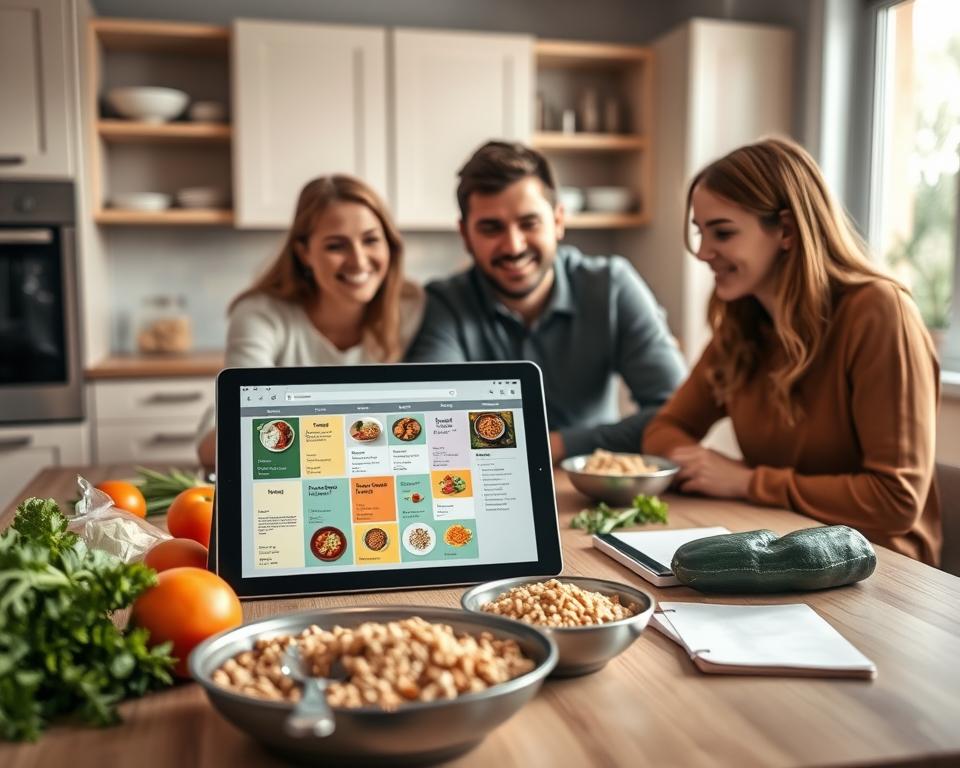
A weekly dinner rotation makes it easier to see what’s ahead. Choose recipes, and many apps create a grocery list from the ingredients. This can help you plan one store trip or arrange pickup or delivery when available.
ADVERTISEMENT
Some apps can make busy nights easier with quick recipes. Mealime, for example, features meals typically ready in under 30 minutes, with clear steps for home cooks.
Which features actually save families time?
The best time savers keep meal plans, schedules, and shopping details together. Choose tools that fit your family’s routine instead of chasing many features.

Shared calendars and automatic meal schedules
Shared household calendars help everyone see dinner beside the day’s activities. Cozi combines a family calendar with meal planning and syncs with Google Calendar. Plan to Eat places recipes on a calendar, while Prepear offers plans from one to 12 weeks.
Grocery lists built from planned recipes
Grocery list automation turns selected recipes into a shopping list and reduces manual entry. Plan to Eat lets you choose which dates the list covers. Prepear builds lists from chosen recipes and can exclude items in its digital pantry.
Serving adjustments, leftovers, and recipe swaps
Mealime lets you set recipes for two, four, or six people to match household portions. Prepear users can swap meals in premade plans. With eMeals, users can choose some or all recipes but cannot change the plan itself.
These apps do not offer a specific leftovers-management feature. You can still schedule a leftover night or swap recipes when plans change.
Which meal planning apps fit different planning styles?
Some families want apps to choose weekly menus. Others save favorite recipes or plan meals around shared shopping lists. These apps support different routines, so choose one that matches your household’s planning style.
Guided meal plans with apps such as Mealime and eMeals
Mealime builds plans around food preferences, diets, allergies, and disliked foods. It makes grocery lists from chosen meals, and most recipes take less than 30 minutes. eMeals offers seven weekly dinner recipes, including Paleo, clean eating, and budget-friendly options.
You can send lists from some or all recipes to services, including Walmart, Kroger, Instacart, and Shipt.
Recipe libraries with apps such as Paprika and Plan to Eat
Paprika uses recipe import tools to save recipes from many websites in a digital cookbook. It includes meal planning, recipe search, scaling, and grocery lists. Prices vary by device and start at $4.99.
Plan to Eat saves recipes from websites, cookbooks, and recipe cards. It puts them on a calendar and builds a shopping list. It offers a 14-day trial, followed by a monthly or annual plan.
Shared grocery planning with apps such as AnyList and Cozi
AnyList keeps shared grocery lists in one place. Cozi pairs meal planning and shopping with shared household calendars and family organization tools.
MealDill offers grocery list automation from saved recipes. It imports recipes from blogs, websites, Instagram, and TikTok, then helps plan meals and build lists.
Can the app handle picky eaters, allergies, and different diets?
Mealime offers more than 200 recipe filters. Set allergies, food preferences, and dislikes before choosing meals. This helps families find picky eater meal ideas for everyone.
Prepear lets you filter recipes by cooking time, category, skill level, special diet, and allergy. You can swap meals in a premade plan when a dish does not fit. Its dietary restriction filters narrow choices, but check ingredients and labels for allergy safety.
eMeals offers plans for Paleo, clean eating, and budget-friendly meals. You cannot customize its weekly plan. A free seven-day gluten-free plan may suit families seeking a ready-made option.
How can you match meals to your family’s weekly schedule?
Start with your calendar, not a stack of recipes. Mark late workdays, practices, and nights when everyone can eat together. Plan quick meals for busy evenings and save longer recipes for open nights.
Apps can help fit your plan to the week. Plan to Eat schedules recipes and can remind you to thaw meat. Prepear offers plans that last 1, 4, or 12 weeks.
Cozi puts dinner plans beside the family calendar, with Google Calendar sync.
For make-ahead meals, MyFreezEasy offers freezer recipes, prep steps, shopping lists, labels, and a thaw sheet. Its drag-and-drop planner can shape batch cooking schedules around your free time.
If plans change often, use theme nights instead of fixed recipes. Meatless Monday or Taco Tuesday gives your weekly dinner rotation a simple rhythm while leaving room to swap meals.
How much setup does an app require before it saves time?
Setup depends on how you plan. Mealime asks about your diet, allergies, dislikes, and serving sizes before you choose meals. Prepear lets you list pantry staples, so its grocery list skips items you already have.
Recipe import tools can speed up the first step. Plan to Eat accepts recipes from websites, cookbooks, and recipe cards. Cozi lets you add recipes by hand or save them from websites.
Paprika can capture recipes from many sites, but sorting a large collection takes time.
MealDill can import recipes from websites and social platforms, including Instagram and TikTok. It pulls ingredients and steps from video, but these meal planning apps for families may feel like a lot initially. Start with a few favorite meals and add more as you go.
Do automatic grocery lists make shopping faster?
Grocery list automation turns planned recipes into ready-to-shop lists. Plan to Eat, Prepear, Mealime, Paprika, MealDill, and eMeals create lists from selected meals. Plan to Eat lets you choose a date range and cross off items while shopping.
Some apps remove extra steps. Prepear can remove recorded pantry items and send lists to Walmart. eMeals can send lists to Amazon, Walmart, Kroger, Instacart, or Shipt.
Shared grocery lists in AnyList can sort items by store aisle. Cozi lets family members add items from different devices. Current lists can prevent missed items and duplicate purchases.
How can everyone in the household share and update the plan?
A plan works best when everyone can see it. Cozi gives families one account for phones and computers, with shared household calendars that sync with Google Calendar. Its meal planner, shopping list, and to-do list keep weekly tasks in one place.
AnyList lets family members add items to shared grocery lists as food runs low. That can help prevent duplicate purchases. MealDill lets families share meal plans and grocery lists, so everyone can check dinner or add items before shopping.
| App | Useful sharing tools |
|---|---|
| Cozi | Family calendar, meal planner, shopping list, and to-do list; Gold covers the family, with a 14-day trial and a listed price of $29.99 per year. |
| AnyList | Shared grocery lists that family members can update as items run low. |
| MealDill | Family sharing for meal plans and grocery lists. |
Is a free or paid meal planning app the better fit?
Free plans can cover basic meal schedules and grocery lists. Paid plans may add reusable plans, nutrition details, or more recipes. For meal planning apps for families, value depends on which features save time in your home.
Check the trial length and renewal price before you sign up. Dietary restriction filters may come with free plans or paid features, so confirm what each app includes.
| App | Free access or trial | Paid option |
|---|---|---|
| Plan to Eat | 14-day trial; no credit card required | $4.95 per month or $39 per year |
| Prepear | Free plan | Gold has a 30-day trial, followed by $9.99 per month; adds reusable plans and premade plans |
| MyFreezEasy | Free trial | $12 per month or $120 per year |
| eMeals | 14-day trial | $29.99 for three months or $59.99 per year |
| Cozi | Free version | Gold has a 14-day trial, followed by $29.99 per year for the whole family |
| Mealime | Free to download | Pro is listed at $5.99 per month; adds recipes, nutrition details, saved plans, and priority email support |
| AnyList and MealDill | Free access | Some premium features require a subscription; pricing varies |
| Paprika | No free plan listed | Paid app; prices vary by device and start at $4.99 |
Choose the app your family will actually use every week
The best meal planning apps for families should match how your family shops and cooks. Choose tools like a shared grocery list, recipes your family likes, and a weekly dinner rotation you can change.
If choosing exact meals feels like too much, start with a few dinners or theme nights. Add picky eater meal ideas with familiar foods, then see if the app makes planning and shopping easier. A short test can show whether its recipes, prep time, and list tools suit your household.
Remember your goal: less time deciding meals, fewer last-minute takeout orders, or less food forgotten in the fridge. Choose a simple system your family can keep using, and adjust the plan as your routine changes.




