
ADVERTISEMENT
A rental car may look ready, but a missed scratch can cause questions after you return it. A quick check before leaving can help prevent disputes about damage and extra charges.
Use this rental car pickup checklist to confirm your booking, review key terms, and inspect the vehicle. Photos and a vehicle condition report can show which damage existed before your trip.
Key Takeaways
- Confirm your reservation and required documents.
- Read the rental agreement before signing.
- Check the car for damage before driving away.
- Take clear photos or video of the vehicle.
- Keep a copy of the vehicle condition report.
Gather your license, reservation, and payment before pickup
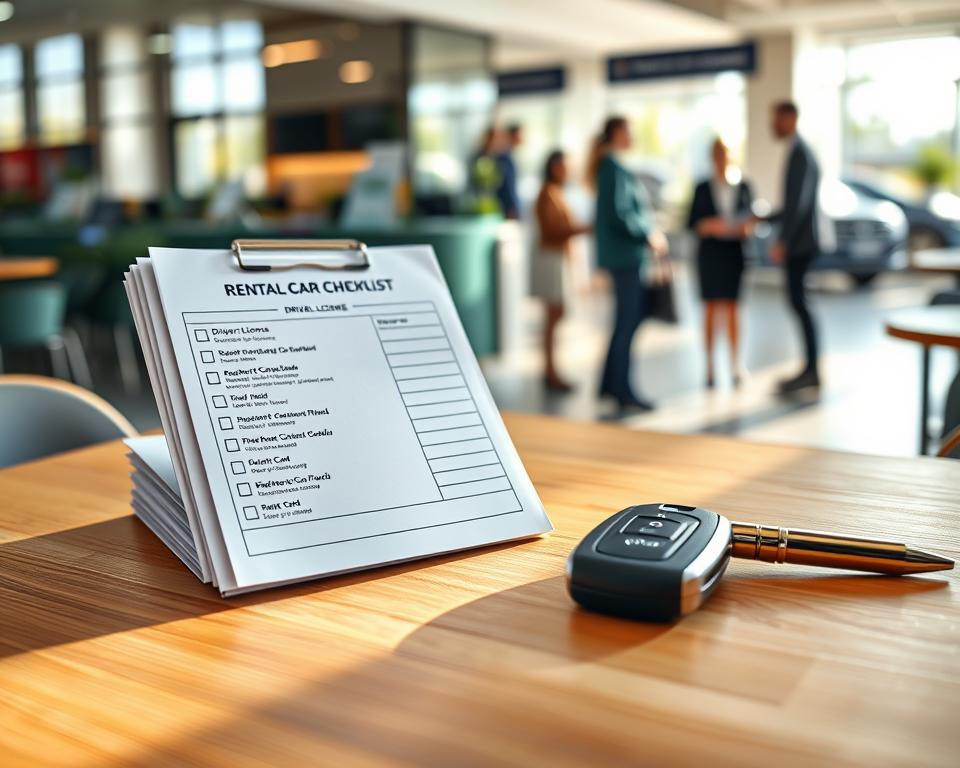
Bring a valid, unexpired driver’s license in the main driver’s name. Pack licenses for all other approved drivers and the payment card used for booking. Keep your reservation and supplier confirmation numbers handy for your rental car pickup checklist.
Review the driver’s license requirements for your rental location before leaving. The office may request a second ID, such as a passport or utility bill. It may also require a bank statement with the same address as your license. International visitors may need an International Driving Permit or proof of onward travel.
ADVERTISEMENT
Some companies accept debit cards but may require extra ID, travel records, or a larger deposit hold. Check the rental office address and hours, too. Airport counters may be in another terminal or off-site, requiring a shuttle ride.
Ask about late-arrival rules before traveling. Some providers may cancel a booking or mark it as a no-show after a hold period of about an hour. A quick call can help protect your reservation.
| What to bring or check | Why it matters |
|---|---|
| Main driver’s valid license and other drivers’ licenses | Confirms each listed driver meets the rental location’s rules. |
| Payment card in the main driver’s name | Some companies require it for payment and the deposit hold. |
| Booking and supplier confirmation numbers | Helps staff find and verify the reservation. |
| Extra ID or travel documents | A passport, address record, International Driving Permit, or onward travel proof may be required. |
| Office address, hours, and late-arrival policy | Helps you find the right counter and avoid a no-show cancellation. |
Confirm who can drive the rental car
List everyone who may drive in the rental contract. Each driver needs a valid license and must meet the company’s driver’s license requirements.
Age rules vary by company and location, and rental companies often charge additional driver fees. Drivers aged 21 to 25 or younger may face a young-driver fee or other limits. Some companies rent to drivers as young as 18 or 21.

The main driver’s name usually cannot change after booking. If someone else becomes the primary renter, you may need to cancel and rebook in that person’s name.
| Driver | What to check |
|---|---|
| Primary renter | Name matches the reservation, with a valid license and required payment method. |
| Additional driver | Listed in the contract, carries a valid license, and meets the company’s age rules. |
| Young driver | Ask about age limits, restrictions, and any young-driver fee before pickup. |
Review the rental agreement before signing
The contract lists your rental period, mileage rules, fees, and return duties. Read the rental agreement terms before signing, and ask about any charge you do not understand.
Check the rental period, mileage limits, and late-return rules
Check the pickup and drop-off dates and times. Some companies bill in 24-hour periods, so a few hours late may add another day’s charge. Review late-return rules because even a short delay can trigger extra fees.
Confirm whether mileage is unlimited or capped. If capped, check the cost for each extra mile.
Confirm fuel, toll, cleaning, and one-way fees
Review the fuel policy. With a full-to-full plan, you pick up the car with a full tank and return it full. Prepaid fuel or company refueling may cost more.
Check for toll, cleaning, one-way, and optional equipment fees, plus local, airport, or young-driver charges. Returning the car elsewhere may add a fee, while cross-border one-way trips can cost much more. Confirm the return location instructions, including the exact address, office hours, and after-hours drop-off process.
Understand insurance, deposits, and roadside assistance
Before buying insurance coverage at the counter, review your personal auto policy and credit card benefits. Ask your insurer or card issuer what each covers because terms and limits vary.
A Collision Damage Waiver or Loss Damage Waiver is optional, not traditional insurance. It may lower your responsibility for covered damage or theft. Supplemental Liability Protection may help pay for injury or damage to others.
Personal Accident Insurance and Personal Effects Coverage may cover medical costs or stolen belongings.
Ask how much the rental company will hold on the main driver’s credit card. The temporary deposit often totals a few hundred dollars and may be higher for a premium car. Before leaving, learn how to request roadside assistance for a breakdown, flat tire, or dead battery.
| Item | What to check |
|---|---|
| Existing insurance coverage | Confirm limits, covered drivers, and rental-car damage protection with your insurer or card issuer. |
| Optional protection | Ask what each waiver or policy covers, including exclusions for damage, theft, injury, or belongings. |
| Deposit hold | Check the hold amount and when the rental company releases it. |
| Roadside assistance | Get the contact method and steps for a breakdown, flat tire, or dead battery. |
Make sure the car matches your reservation
Rental cars are often booked by size or features, not by an exact model. Your confirmation may show a car “or similar.” Check that it fits the reserved vehicle category and has the seats and transmission you need.
If that category is unavailable, ask for a comparable or upgraded car. Before agreeing, confirm whether the change adds a fee. If the offer does not match your booking, contact the booking provider at the counter.
Use this rental car pickup checklist: verify the pickup location, drop-off site, office hours, and total price. Airport and train station locations may cost more, so review fees and extras before accepting the keys.
Walk around the exterior and photograph existing damage
Before leaving the lot, inspect the entire exterior in good light. Check the bumpers, doors, roof, windshield, handles, fuel cap, and license plate. Look for dents, scratches, chips, scuffs, tire cuts, and bulges. Confirm the plate matches your rental paperwork.
Take photos and a short video of the car from every side. Get clear close-ups of marks, tires, and wheel rims, which can show wear or damage. This damage documentation records the car’s condition at pickup.
Point out every issue to rental staff. Ask them to list each issue on the vehicle condition report or rental agreement before you drive away. Keep your photos and inspection record if the company later asks when the damage occurred.
Check the interior, fuel level, mileage, and included equipment
Check the seats, upholstery, and dashboard for stains, tears, or other damage. Photograph problems and ensure they appear in the vehicle condition report. Keep the damage documentation with your rental papers.
Turn on the ignition and record the mileage and fuel level. Compare the gauge with the rental paperwork and confirm the fuel policy. Ask staff to correct any mismatch before leaving.
Check the tires, and look for a spare tire and jack or an inflation kit. Depending on the location, the car may need safety items, including a warning triangle, first-aid kit, or spare headlight bulbs. Keep your inspection notes and photos with your rental documents.
Test the controls and safety features before leaving
Start the car and scan the dashboard for warning lights, including engine and tire-pressure alerts. Tell rental staff about any alert before driving. During your rental car inspection, test the headlights, taillights, brake lights, turn signals, and hazard lights.
Check that the seatbelts, windows, and locks work. Adjust the seat and mirrors for a clear view. Test the air conditioning, heat, wipers, and defroster, and learn the key controls before leaving.
Set up the GPS or map app while parked. A quick check of these safety features can help you avoid distractions on the road.
Get pickup problems and emergency instructions in writing
Confirm your reservation one or two days before pickup, and ask about check-in options, late-arrival rules, and the car’s location. If rental car pickup problems arise, call the booking provider at the number in your confirmation. At the counter, ask the rental company to fix the issue first; if it cannot, contact the provider before leaving.
If your car category is unavailable, ask for a suitable replacement. Before accepting an extra charge, check with the provider, and keep your agreement and receipts for a new booking.
Save the roadside assistance number, and ask what to do about a flat tire or dead battery. Keep a phone charger, flashlight, reflective gear, and a basic emergency kit in the car.
Save your rental documents for an easier return
Keep your rental agreement, booking confirmation, supplier confirmation number, receipts, and vehicle inspection record together. Review the rental agreement terms before returning the car, including the return time and fuel policy.
Save your damage documentation, including time-stamped photos and videos. Also keep the vehicle-condition checklist completed at drop-off. These records may help if a billing dispute arises later.
Check the return location instructions before leaving, and confirm the drop-off address, office hours, and after-hours process. Return the car on time and at the required fuel level to avoid extra fees. Keep your paperwork for a few months, just in case.




